Experience the Full Power of Carbon Fiber Plugins.
Why settle for limited demos? Get 14 days of unrestricted access to every single feature. No silences, no limitations—just the professional tools you need for your next project.
How to Get Your Trial License
Getting up and running is simple. Follow these steps to start your 14-day evaluation:
Select Your Plugin
Choose the plugin you wish to evaluate from our collection below.
Start Your Trial
Click the "Start your trial" button. You will be redirected to our secure Moonbase portal to process your request.
Download
Once confirmed, download the plugin files provided.
Installation
Extract the folder and copy the plugin file to your VST3 directory:
C:\Program Files\Common Files\VST3
Note: Detailed instructions are also included within the .zip file.
Activate
Load the plugin within your DAW. The License Manager will appear automatically—simply follow the on-screen instructions to activate your 14-day window.
macOS and other OS currently in development
Select Your Tools
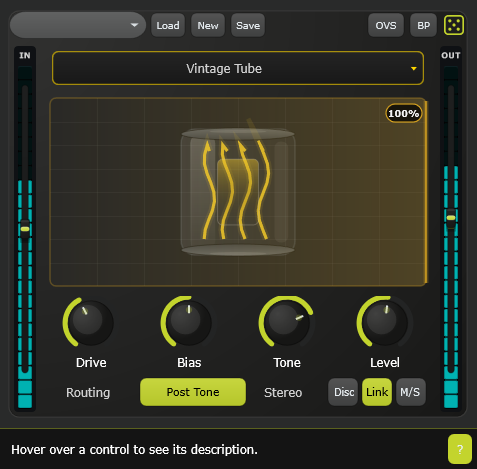
PyroDrive
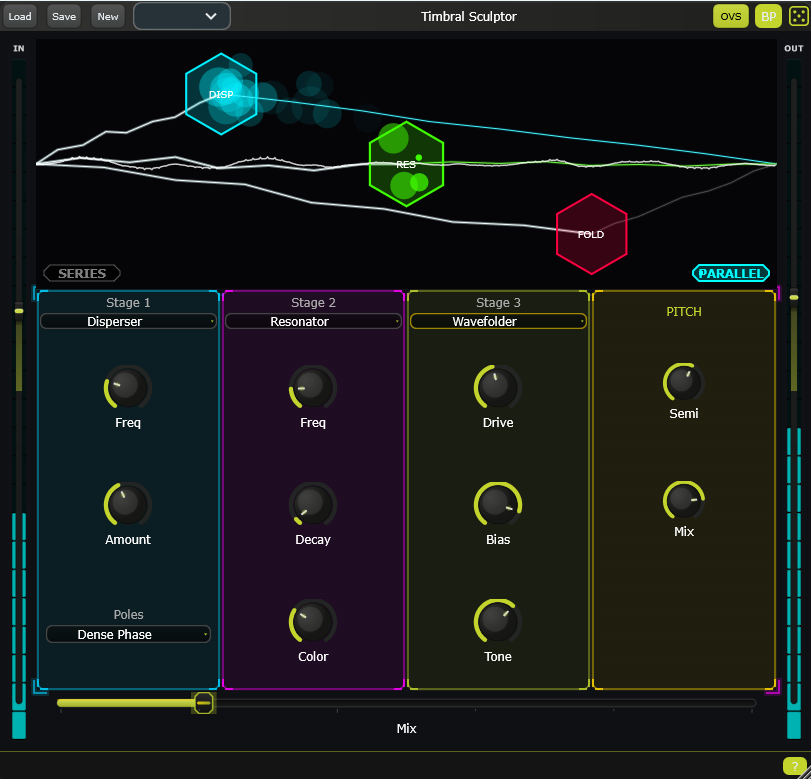
Timbral Sculptor
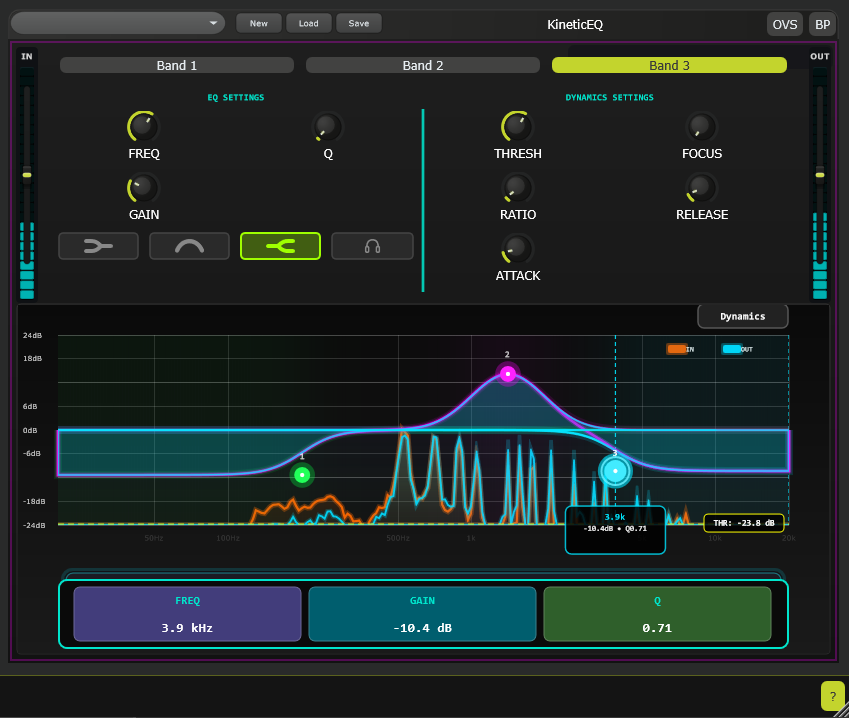
KineticEQ
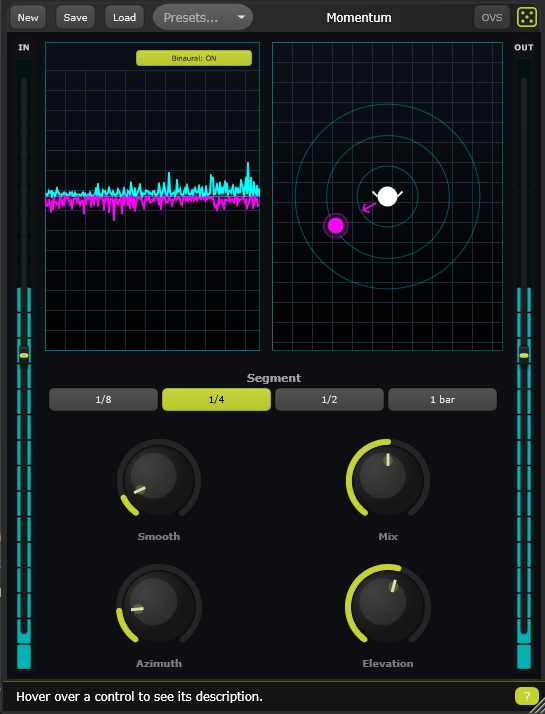
Momentum
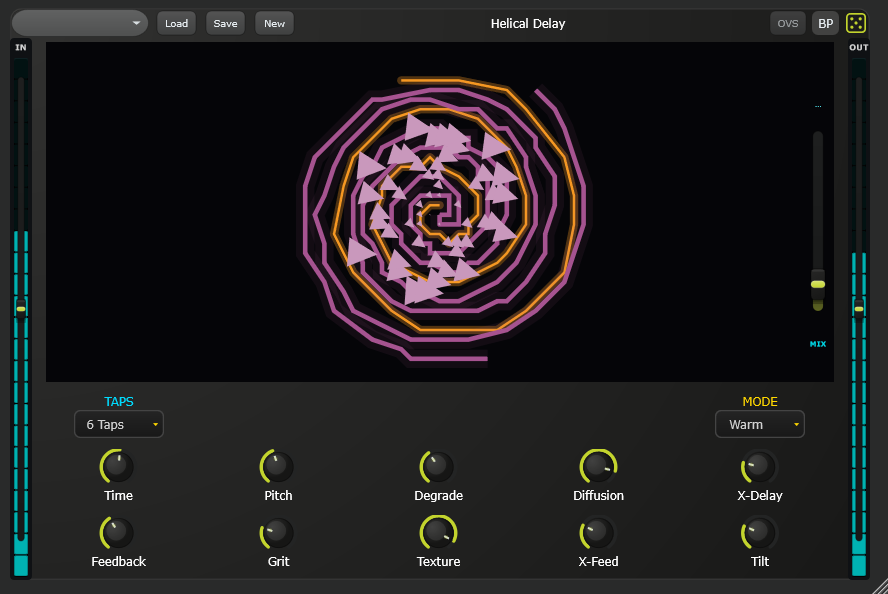
Helical Delay
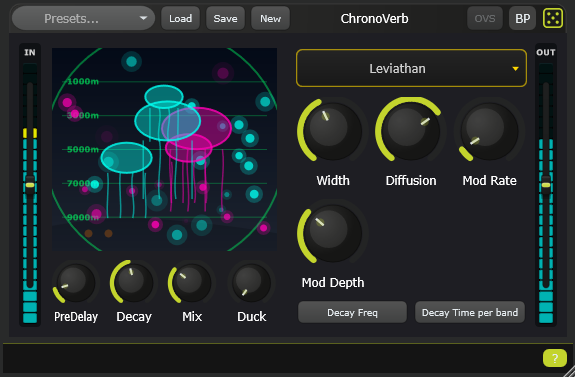
ChronoVerb
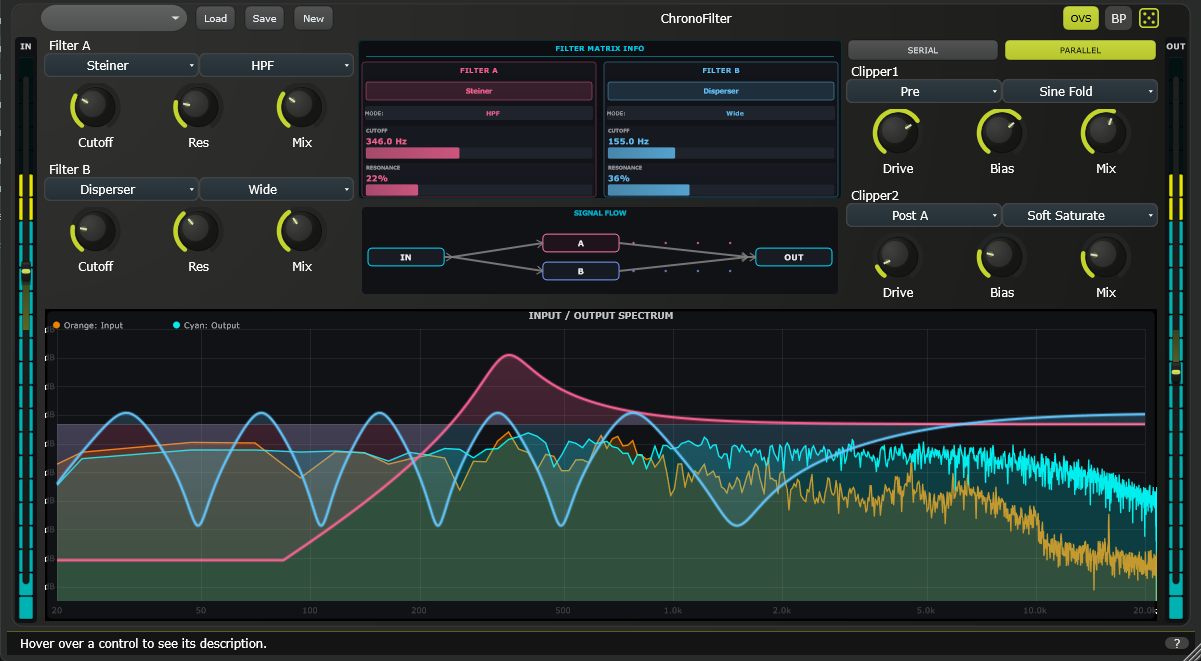
ChronoFilter
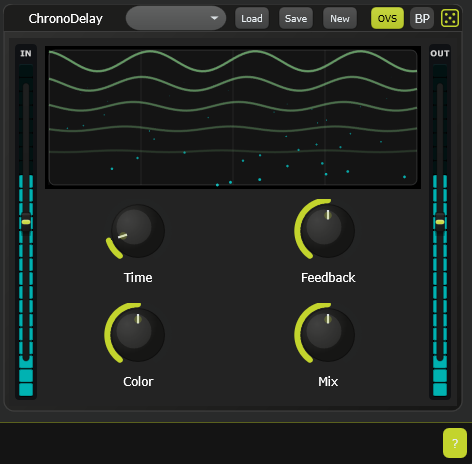
ChronoDelay
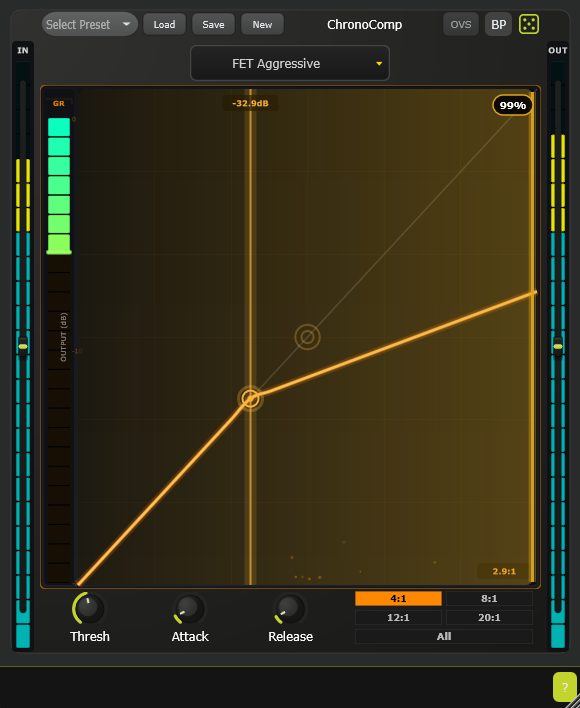
ChronoComp
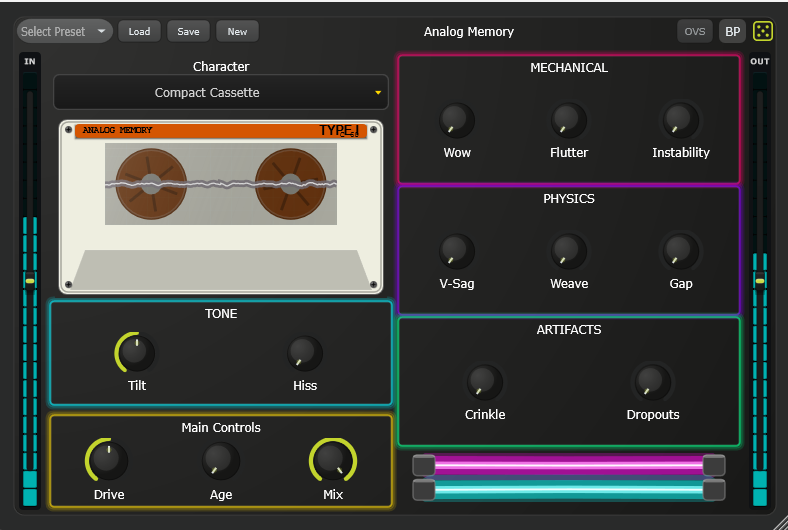
Analog Memory